
Find and Add Winning Products with Our Chrome Extension
Add products in seconds, discover winning items on AliExpress, capture Facebook ads, and spy on top-performing stores — all directly from your Chrome browser




What Makes Sell The Trend a Research Platform
- The Sell The Trend Chrome Extension is an AI-powered dropshipping tool designed to streamline product sourcing, competitor analysis, and store integration.
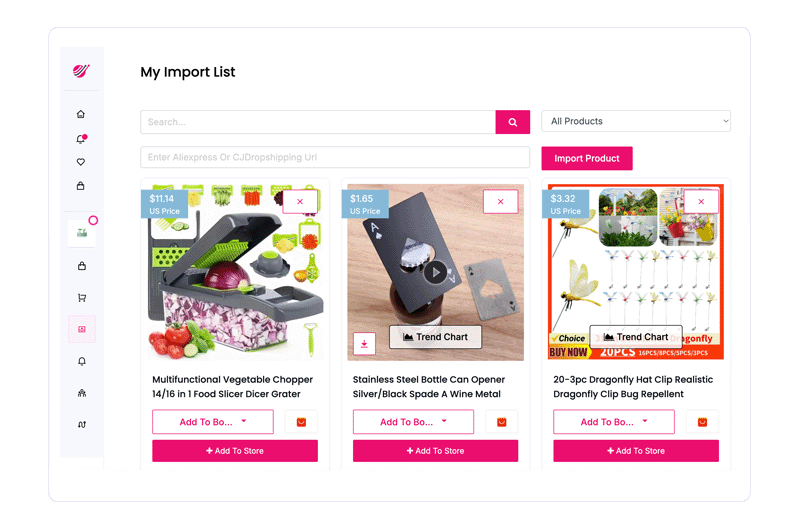
- It allows you to import products from AliExpress and CJ Dropshipping in one click without manual data entry.
- It extracts product data, including images, variants, and pricing for ready-to-sell listings.
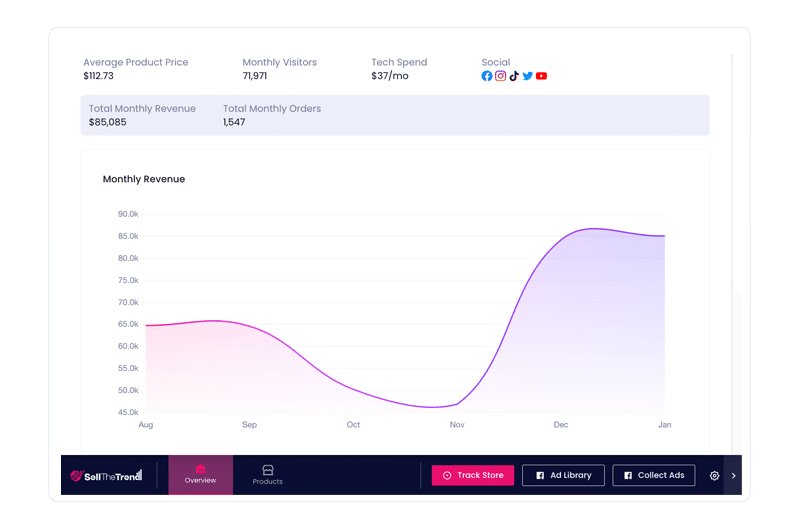
- It enables competitor analysis by revealing best-selling products from e-commerce stores.
- It lets you instantly collect and save Facebook ads directly from your feed, making it easy to spot winning products and trends
- It allows direct publishing of products from Sell The Trend to Shopify, Sellshop, eBay, Wix, Amazon, TikTok shop, and WooCommerce stores for faster launch.
New Winning Products. Updated April 1, 2026







What You Can Do With the Chrome Extension
| Feature/options | Sell The Trend Extension | User Outcome | Business Impact |
|---|---|---|---|
| 1-click product import | AliExpress + CJ integration | Products added instantly | Launch store faster |
| Competitor store analysis | Ecom store spying | See best sellers | Reduce guesswork |
| Product data extraction | Images, variants, pricing | Ready-to-sell listings | Save hours per product |
| Store integration | Shopify, eBay, Wix, TikTok Shop, Amazon, and WooCommerce | Direct publishing | Faster scaling |
| Fulfillment sync | Automated workflows | Orders processed faster | Operational efficiency |
How the Sell The Trend Chrome Extension Works




Step 1: Browse Products on AliExpress or CJ Dropshipping
Start by browsing products on AliExpress or CJ Dropshipping, where thousands of suppliers list items with real order volume and pricing data. This helps you quickly identify products with proven demand instead of guessing.
Get StartedStep 2: Click the Chrome Extension to Import
Use the Sell The Trend Chrome Extension to instantly import product data like images, pricing, and variants. This eliminates manual work and lets you import products with one click.
Get StartedStep 3: Sync to Your Dashboard
Imported products are automatically synced to your dashboard, where AI analyzes performance trends and demand so you can make smarter decisions before selling.
Get StartedStep 4: Push Products to Your Store
Once validated, push products directly to your store. Product pages are generated automatically, saving time and simplifying the setup process.
Get StartedStep 5: Fulfill Orders Automatically
Orders are processed automatically through integrated fulfillment systems, helping you scale your business without manual effort.
Get StartedHow AI Powers the Chrome Extension
-
NEXUS AI Product Scoring
AI evaluates demand velocity (sales growth in real time). In simple terms, it shows if a product is trending upward. This helps you avoid saturated products and scale winners.
-
Predictive Demand Signals
Tracks real-time engagement and order trends. This means you see what’s gaining traction before competitors.
-
Competitor Intelligence Engine
Analyzes Ecom stores and product performance. In plain terms, you can copy what’s already working.
Key Performance Metrics of the Chrome Extension
Key Use Cases of the Sell The Trend Chrome Extension
-
Product Sourcing
Find and import products from AliExpress and CJ Dropshipping in seconds using 1-click extraction. This allows you you to skip manual product research and setup. -
Competitor Research
Analyze Ecom stores to identify best-selling products and trends. This means you can see what’s already working instead of guessing. -
See Winning Ads in Real Time
Discover the exact ads top stores are running directly in your Facebook feed, so you can spot proven products and trends before they go mainstream. -
Store Launch & Scaling
Push products directly to Shopify, SellShop, eBay, TikTok Shop, Amazon, Wix, and WooCommerce and automate workflows. This reduces setup time and allows you to scale faster with less manual work.

Instantly Add Products To Your Store
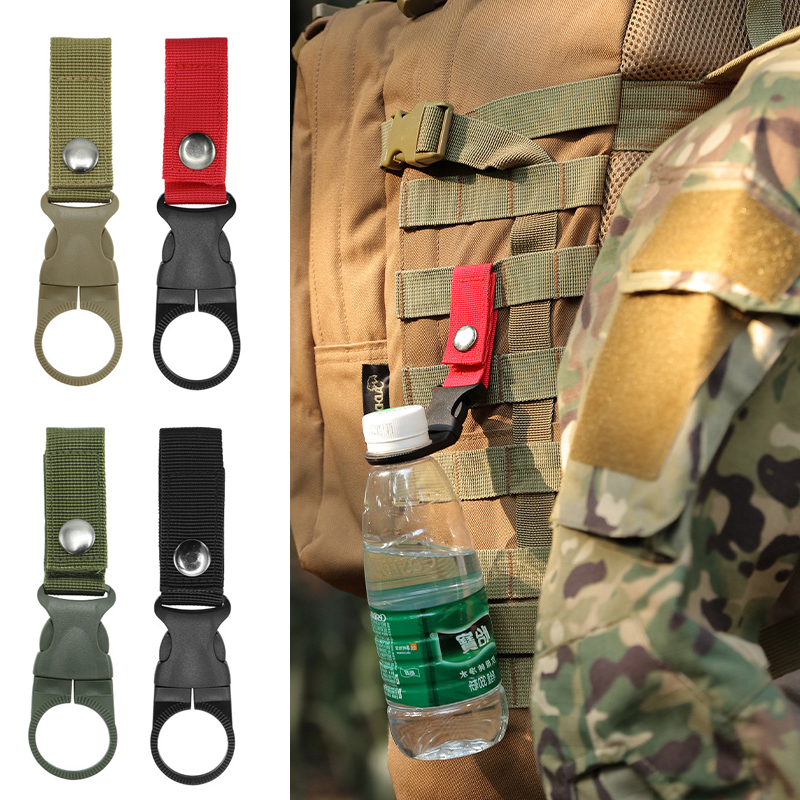
With our Chrome Extension, you can browse AliExpress and CJDropshipping and instantly add products to your store in seconds. This extension also helps with product research on AliExpress and CJDropshipping.
Get Started
Find & Save Facebook Ads
Ever see a great Facebook ad and think, “I wish I could save that”? With our extension, you can! Capture Facebook ads automatically, save them for later, and review them whenever you're ready to create high-converting product pages and winning campaigns of your own.
Get Started
Spying on Shopify Stores
Want to know what products and strategies are driving other store's success? Our Chrome Extension lets you see the store's best-sellers, revenue, and installed apps.
Get StartedReal Results from Real Sellers
See how dropshippers from around the world are growing their stores with Sell The Trend.



Success stories

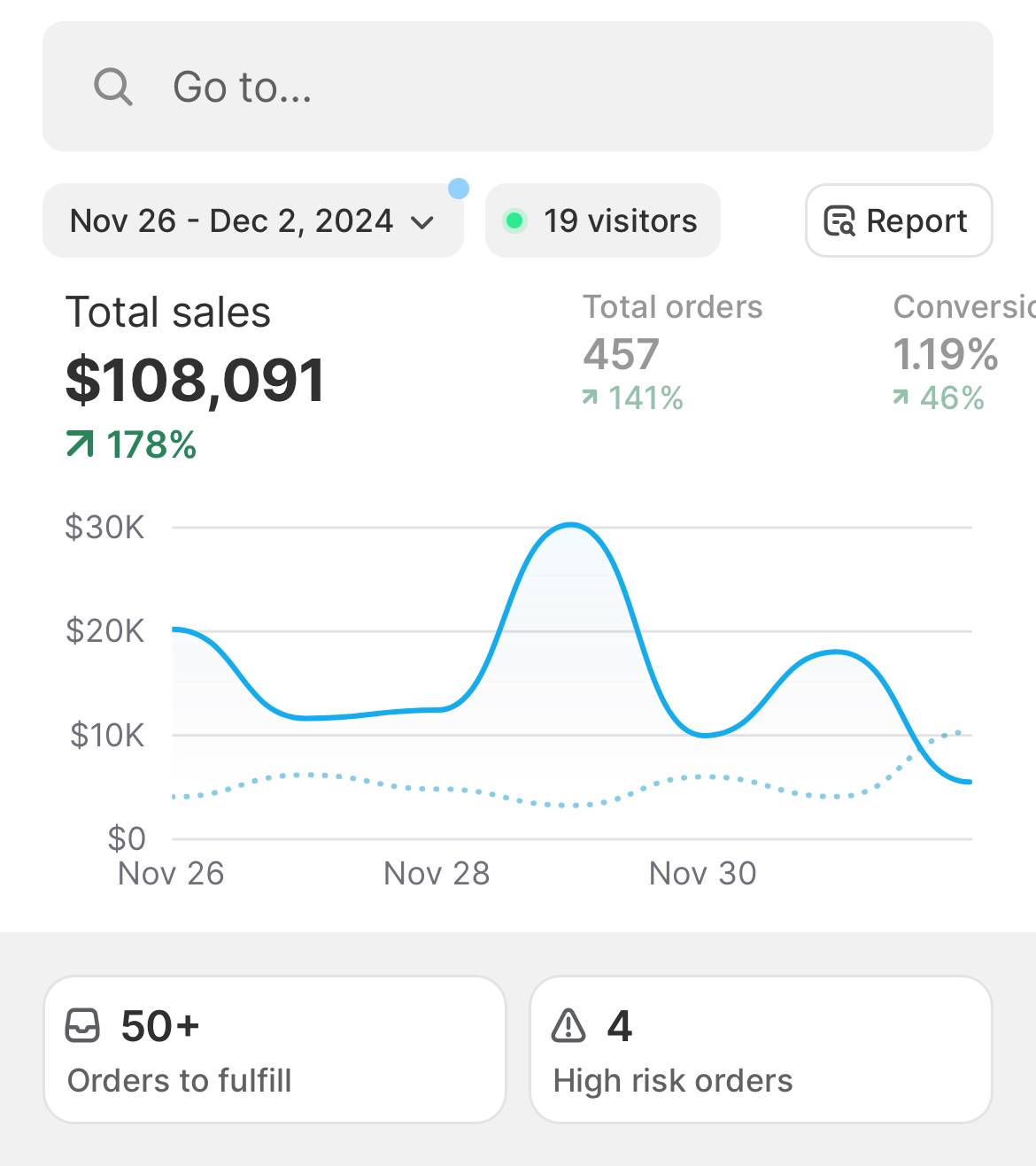
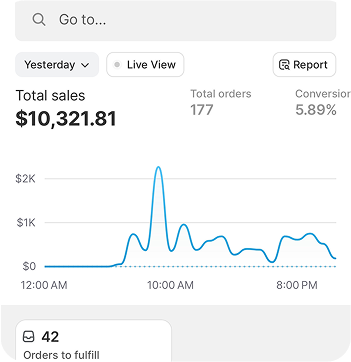
I’ve done over $100K from Sell The Trend and now have tools for video creation, Facebook targeting, landing page design as well as product research.
Kyle Brattan
Member Since 2020

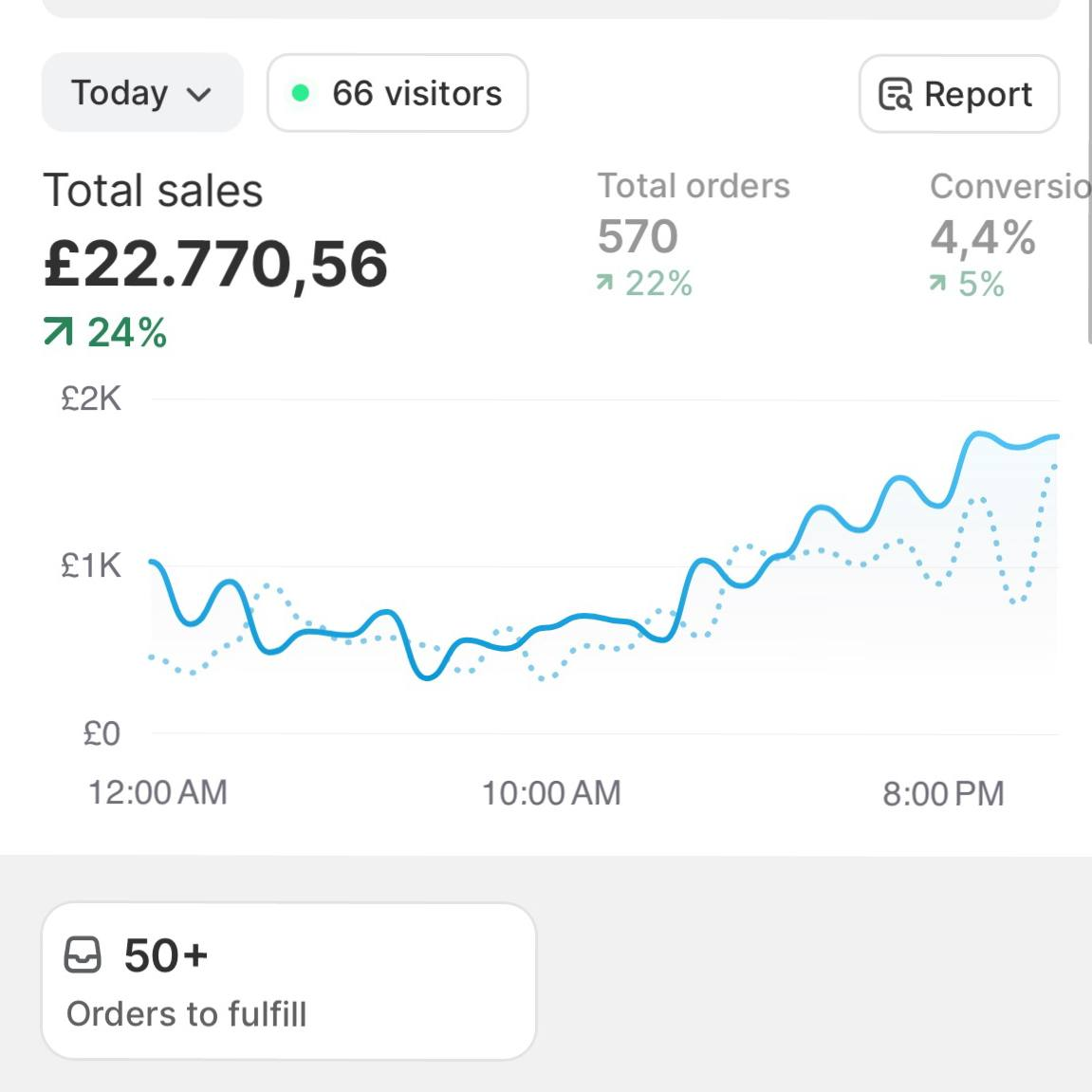
Sell The Trend cut 60% of my tool overhead and helped me scale my fashion store faster than I thought possible.
Rebeca Matei
Member Since 2025

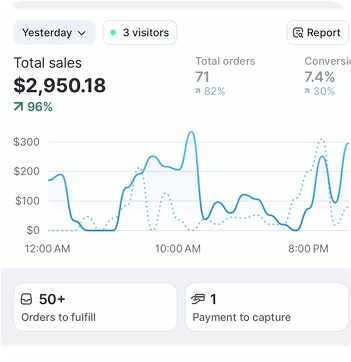
I am projecting products I have found on the site to generate $40,000 in sales by the end of this month. Cheers to Sell The Trend for serving as a platform to easily find winning products.
Yash Shah
Member Since 2019

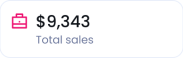
As I close another month with $10,000+ in sales, I cannot forget to thank SELL THE TREND. I want you to know that with persistence, commitment & patience, you can become a “Success Story” too.
Nelson Muriuki
Member Since 2020


Frequently asked questions
What is the Sell The Trend Chrome Extension?
The Sell The Trend Chrome Extension is an AI-powered dropshipping tool that lets you import products, analyze competitors, and extract product data directly from AliExpress and CJ Dropshipping. In simple terms, it helps you find, validate, and launch products faster without manual work.
How does the Sell The Trend Chrome Extension work?
You browse product pages on AliExpress or CJ Dropshipping, click the extension, and instantly import the product into your Sell The Trend dashboard. From there, the system analyzes demand using AI, and you can push the product directly to your Shopify, eBay, TikTok Shop, Wix, Amazon, and WooCommerce store. This turns a multi-step process into just a few clicks.
What platforms does the Chrome Extension support?
The extension works on AliExpress and CJ Dropshipping. This means you can source products, analyze competitors, and import listings directly from these platforms.
Can I import products directly to my store?
Yes, you can import products in one click and push them directly to your Shopify, Sellshop, eBay, TikTok Shop, Wix, Amazon, and WooCommerce store. Product details like images, variants, and pricing are automatically included, saving hours of manual setup.
Does the extension include AI product analysis?
Yes. Products imported through the extension sync with Sell The Trend’s NEXUS AI engine, which evaluates demand trends in real time. In simple terms, it helps you see if a product is gaining popularity before you invest in it.
Can I use the Chrome Extension to analyze competitors?
Yes. The extension allows you to view ecommerce store data and identify best-selling products. This means you can quickly see what is already working in the market and replicate successful strategies.
Is the Sell The Trend Chrome Extension free?
The Chrome Extension is included with Sell The Trend membership plans. It also offers some free features you can use without subscribing, but an active subscription is required to unlock full functionality.
Can I use the extension without Sell The Trend?
Partially. Some basic features can be used, but the extension is designed to work with the Sell The Trend platform. Without it, key features like AI product analysis and store syncing will not function properly.
How is this different from other dropshipping Chrome extensions?
Most Chrome extensions only import products. Sell The Trend combines product importing, competitor research, AI validation, ad insights, and fulfillment automation into one complete system.
Does the extension help with order fulfillment?
Yes. Once products are imported and sold, Sell The Trend integrates with fulfillment systems to streamline order processing. This reduces manual work and helps you scale your business efficiently.
Can beginners use the Chrome Extension?
Yes. The extension is designed to simplify dropshipping workflows. Even beginners can import products, analyze demand, and launch a store without technical experience.
Check Out More of Sell The Trend’s Powerful Features
Marketing Tools
Complete marketing toolbox including video ads creator and Facebook audience creator
Learn MoreStore Automation
Complete stores automation including order fulfillment and inventory sync
Learn MoreSuccess Academy
Learn how to dropship, taking you from A to Z through store creation and product selection
Learn More